
If you are searching for an online logo maker, you’re most likely looking for something easy to use. No one wants something too complicated to work with or navigate; you just want to get the job done well, as fast as possible, as easily as possible. But oftentimes, the ease comes at the cost of richness and professionalism. Many of the tools that are easy to use provide an outcome that’s too generic and simplistic, looks AI-ish, and is just something that you wouldn’t be proud to use.
To help you find the right balance between ease and professionalism, we have put together two of the best online logo makers. The options below are both easy to use and also provide a large variety of features, in a professional look.
#1. Design.com
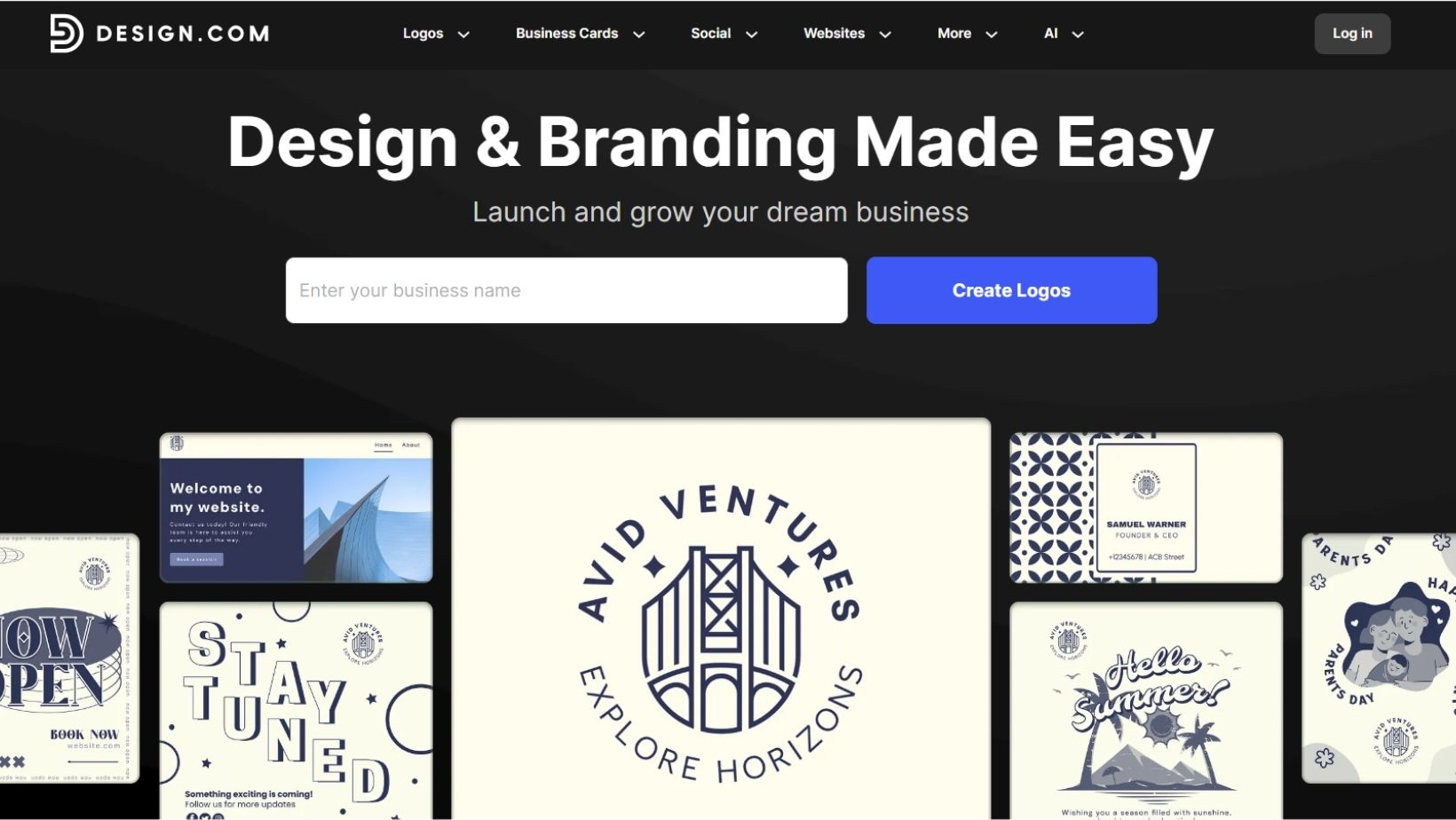
AI-generated logos often look “same-y.” Design.com fixes that. Instead of relying purely on algorithms, they combine Smart AI with Real Art created by actual human designers. It’s why they are the #1 logo company in the world and currently sit at a 4.7-star rating on Trustpilot with over 3,000 happy reviewers.
Why the Library is a Big Deal
We’re talking about a massive collection of high-quality assets that go way beyond the basics.
- 360,000+ Logo Templates: Whether you want a sleek monogram, a 3D masterpiece, or a quirky cartoon, they’ve got it.
- 1 Million+ Total Designs: Flyers, posters, menus… You name it.
- Total Creative Freedom: Customize your heart out with over 62,000 custom vector shapes and over 1,200 fonts (including 525+ exclusive fonts you won’t find anywhere else).
- The AI Advantage: To make things even easier, they’ve baked in 8+ AI tools, including AI generators for websites, business cards, flyers, and presentations, to speed up your workflow without losing that professional touch.
More Than Just a Logo (The Full Toolkit)
Design.com is essentially a “brand-in-a-box.” Once you have your logo, you can use over 50 dedicated tools to build your entire presence:
- Websites & Domains: Use the Website Builder to go live even if you don’t have any coding skills. Easily register your domain name right through the platform.
- Instant Brand Identity: Generate digital business cards, letterheads, QR codes, and presentations in seconds. Your new templates will even automatically inherit your logo colors.
- Cool Features: You can make a list of favorites on Design.com. You can also make a voting poll so others can give you feedback and help you make the best choice.
- Smart Tools: Use the Background Remover for photos or the AI Business Name Generator to find the perfect name.
From Digital to Doorstep
You can even move your brand into the physical world. Design.com allows you to get your logo printed on business cards, apparel (t-shirts and caps), mugs, and mousepads, all with free delivery.
Yes, There’s a “Truly Free” Version
Unlike many “free” tools that hit you with a paywall at the last second, Design.com offers a legit free tier. It gives a comprehensive selection of free, downloadable logos with the premium options’ professional editing features for customizing shapes, fonts, and colors.
- Professional Downloads: Get your logo for free in every format you need, including Vectors (SVG, EPS, PDF) and Raster (PNG, JPG). You even get icon-only and transparent background options.
- Free Publishing: You can actually publish your website and digital business card at no cost.
- Keep in Mind: While logo files are free to download, downloading other assets (like flyers or posters) requires a premium plan.
Peace of Mind Included
You don’t have to worry about the “legal stuff.” Everything is 100% commercially safe and checked for originality.
- Exclusive Ownership: They offer extended licenses that allow you to remove your logo template from the library entirely, which helps make you the exclusive owner.
- Multiple Languages: Their 24/7 chat and email support has your back in 7 languages (including specific variants like Canadian French and Brazilian Portuguese).
- Payments: They accept payments in 9 currencies.
#2. LogoMakr
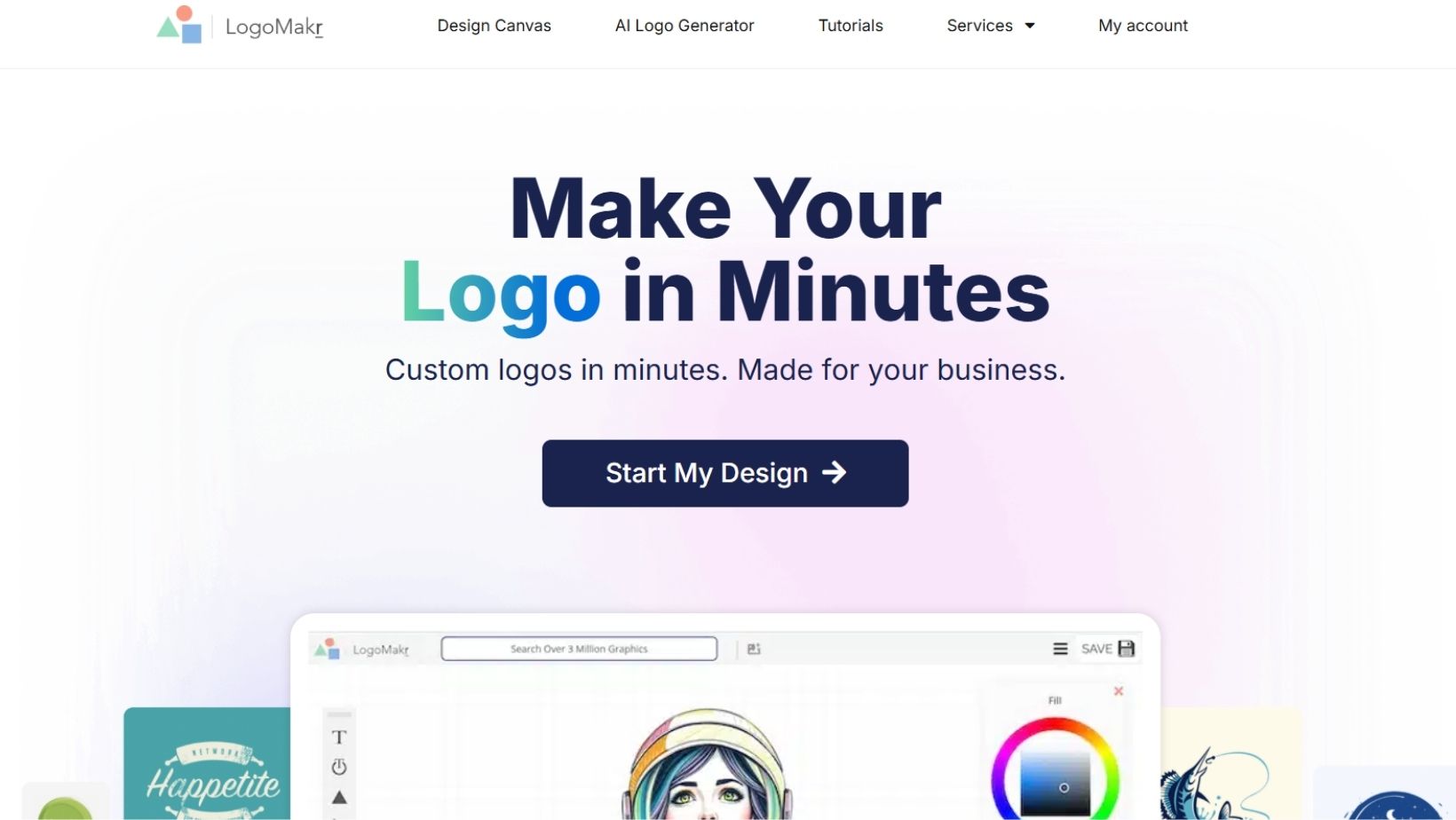
LogoMakr is a graphic design hub that lets you create custom logos, banners, and branded merch without any knowledge or technical headaches.
Smart Design Tools
- AI Logo Generator: All you need to do is input details, and LogoMakr’s AI will give you an original logo with custom graphics.
- Icon Maker: In case you can’t find the right image, just describe what you’re looking for, and the AI will build an original graphic from scratch just for you.
- Drag-and-Drop: You can tweak your text, swap colors, and pull from a massive library of fonts and clipart with a simple, real-time interface.
Versatile File Options
LogoMakr lets you choose the level of quality you need for your brand:
- You can design and download low-resolution versions of your work for free.
- If you want to go professional, you can pay for the high-resolution, full-copyright version.
- You can get your files in standard formats (PNG, JPEG, PDF) or professional vector files (SVG, EPS).
- If you need to place your logo on different backgrounds, transparent versions are available to make your branding look seamless.
Support That Actually Shows Up
One of LogoMakr’s biggest strengths is that they don’t just leave you hanging after you download:
- They have a famously responsive customer service team.
- They offer adjustments even after you’ve purchased, and for those who need a little extra hand-holding, they even jump on Zoom calls to help out.
- They give you a centralized account to make it easy to manage all your past and current projects in one place.
Learning Resources
If you’re a total beginner, they’ve got many ways to level up your skills:
- A dedicated “Learn” section packed with tips, tricks, and step-by-step guides.
- When you get your final files, they include a final instruction guide to help you use them correctly across all platforms.
Comparison: Design.com vs. LogoMakr
| Feature | Design.com | LogoMakr |
| Approach | Both Smart AI and Real Art. | Manual drag-and-drop with AI help. |
| Template Library | Industry-Leading: 360,000+ logo templates; 1M+ total designs. | Large library of icons and graphics, but fewer structured templates. |
| Fonts & Shapes | 62,000+ custom shapes; 1,200+ fonts (525+ exclusive). | Massive library of clipart and standard fonts. |
| “Brand-in-a-Box” Tools | 50+ Dedicated Tools: Websites, domains, business cards, QR codes, and more. | Focused primarily on logos, banners, and branded merchandise. |
| AI Capabilities | 8+ AI tools (Website builder, Name generator, Flyer creator, etc.). | AI Logo Generator and Icon Maker (text-to-graphic). |
| Free Tier | Truly Free: High-res downloads (Vectors & Raster) included for logos. | Limited: Only low-resolution downloads are free; high-res requires payment. |
| Physical Merch | Full print-on-demand (Apparel, Mugs, etc.) with Free Delivery. | Available for printing on business cards and t-shirts. |
| Support | 24/7 Chat & Email in 7 languages; extended licensing options. | Responsive email support and Zoom calls for premium users. |
| Trust Rating | 4.7 Stars on Trustpilot (3,000+ reviews). | Generally positive, though less documented third-party scale. |
The Visual Difference
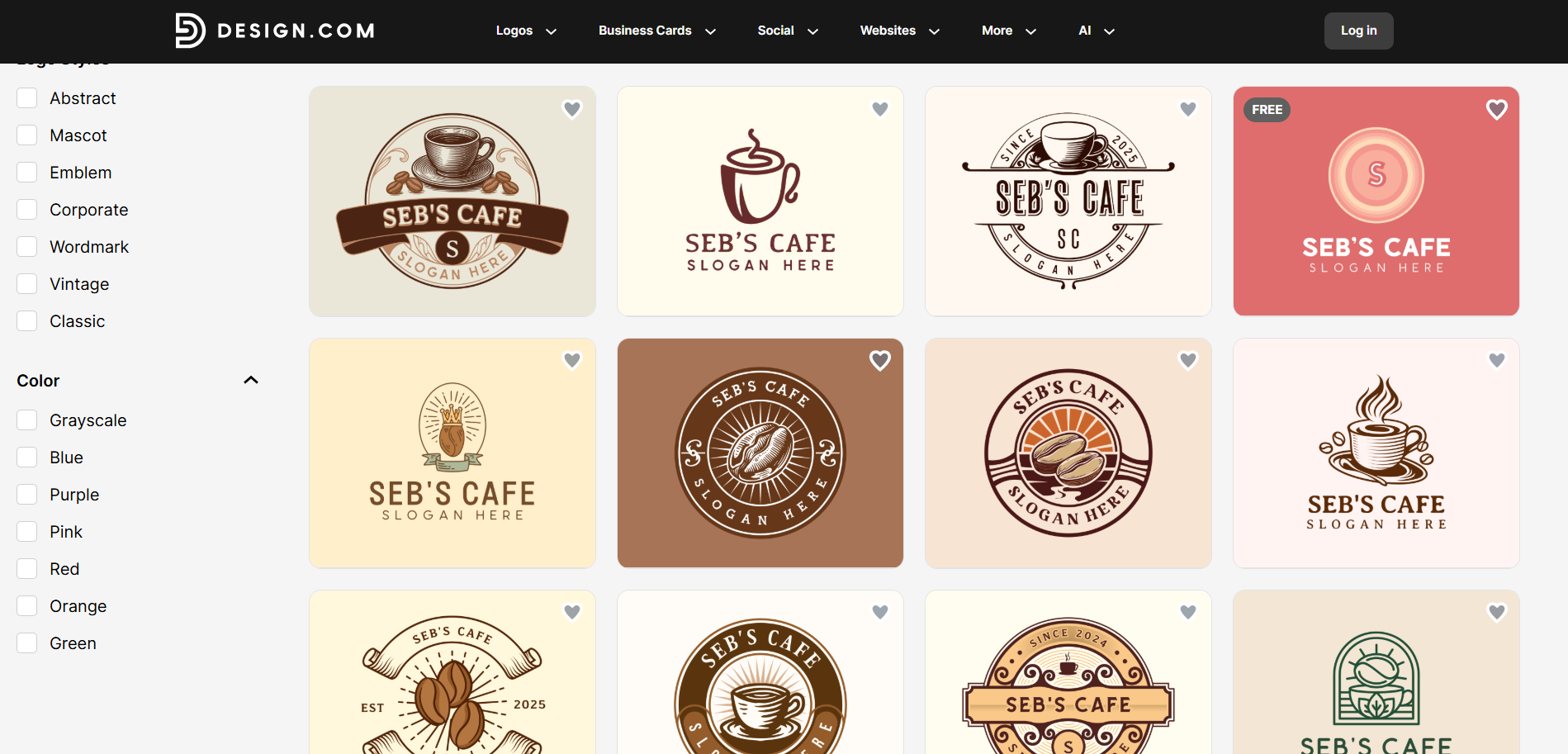
Here is a logo made with Design.com:
And here are some templates from LogoMakr:
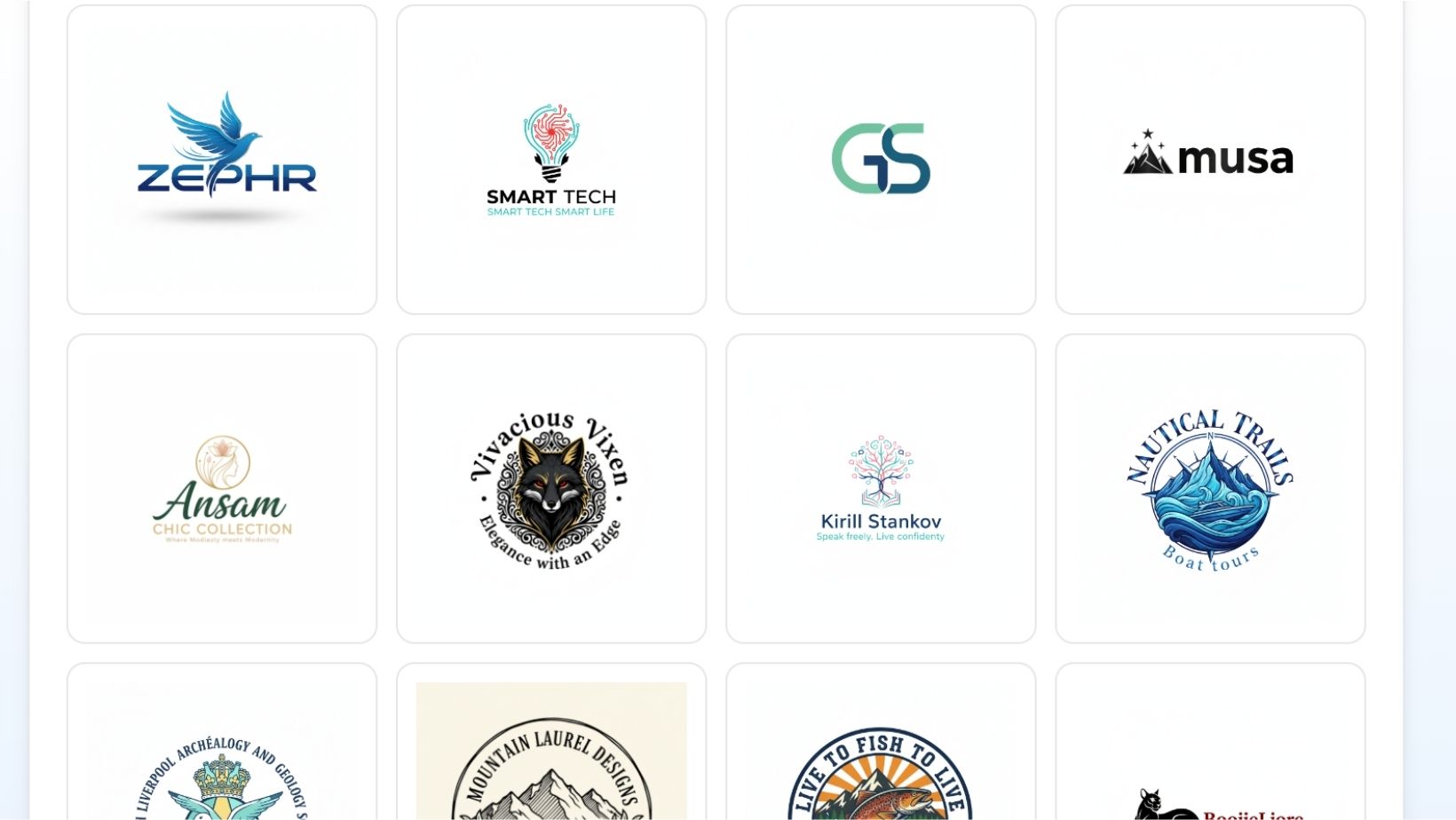
We believe the logos made with Design.com look much more professional and high-quality than those made with LogoMakr.
Summing Up
Here they are, the two logo makers that provide ease of use without compromising quality. While we believe Design.com is the better alternative, we also understand that everyone has different needs and preferences. So what we suggest that you do next is try out both of the tools by yourself and see which one feels better and righter to you. You now have all the necessary information about both of the tools. All you need to do is put that knowledge into practice and see which of the two platforms brings your vision to life in the way you want.