
Creating visual art has become easier these days, and of course, AI has influenced it a lot.
However, you need to understand which platform to use for AI-generated content to optimize your time and get quality content. That’s where AI platforms can be one of your options, as it gives users a combination of the best internal and external AI tools to make the working process more comfortable.
While some people are probably thinking that AI is going to replace human creativity, let’s look at 5 practical ways artificial intelligence can support visual branding.
5 Practical Ways To Use AI
1. Implement AI in a Design Platform
This point can be highly useful for graphic or UI/UX designers who already work in Figma but need extra effects to finish their work.
By connecting your chosen AI to your existing platform, you get access to the full set of AI tools without leaving the app you are working in. This system helps creators save time without switching between tabs or re-uploading files.
2. Visualize Your Ideas
Sometimes you have an idea, but making it real can either take too long or you lack design skills. This is where AI tools like Realtime Canvas are more than needed.
3. Boost The Quality
Not every idea turns out to be flawless with high-quality materials. A low-resolution photo or a rough sketch can become a small obstacle when creating your design.
To escape low-quality, defective design, use the Enhancer tool. It runs on Krea’s own Magic-Krea engine. Its main function is upscaling low-quality images and video materials.
4. Create Short Videos For Social Media
Media trends are moving faster and faster, constantly replacing one another. Speed in this case is not equivalent to unique and niche content, as everyone does the same thing. However, with the help of AI, you can turn your crazy and even unreal ideas into real-life videos using your own images and video materials as references.
These tools are specifically useful for social media content when you have tight deadlines but still need polished material without spending hours on editing.
5. Time Consumption
This is the most actual problem of our times: everyone lacks time. Some designs need hours of work to get a final result. However, sometimes it can be easier and even more comfortable to use AI to get a quick, good-quality result if it doesn’t require actively engaged human interaction.
Best AI Tool for Visual Branding
The right choice of generative AI platform is as important as choosing the right references for your product. To guide digital creators through this path, let’s explore suitable platforms focusing on their main features.
#1. Krea
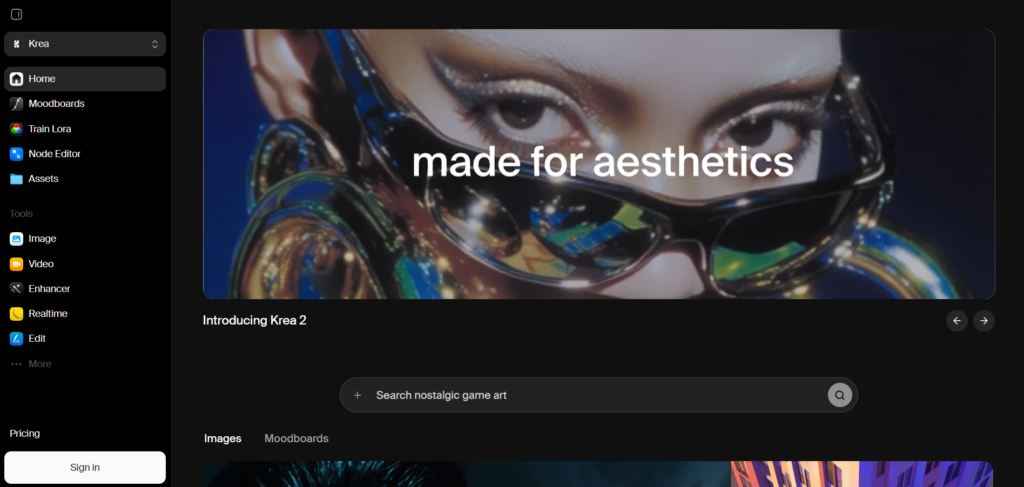
Krea is a generative AI platform built to provide creators with an all-in-one tool system. This platform is the best choice for digital creators and artists who want to make their art, no matter whether it’s an image, video, or just a tiny improvement to enhance it.
Krea includes both internal tools such as Krea 2, Realtime Canvas, Krea Enhancer, etc., and external tools like Runway, FLUX, Ideogram, Luma, and many other options for your individual choice.
One of the interesting programs made by Krea is probably their ‘Krea Artist Program’. It is specifically designed for a selected group of artists and creators, who will get exclusive access to tools and AI models. Therefore, they collaborate with Krea by testing and improving new models before launching them.
Key Functions
1. Krea Figma Plugin is a small add-on that you can install directly on Figma. This system lets you bring Krea’s generative tools onto your screen without even opening a separate app.
As you install the app, you can generate images and illustrations right where you are designing, using your existing frames as references. This system is very comfortable; you just need to give the right instructions to escape manual multitasking.
2. Realtime Canvas is one of the core features in Krea and what they got famous for.
By using this tool, you get a live drawing space, split into 2 sides. On one side, you place your sketch; on the other side, you get a ready-made AI-generated version.
Here are some options for your reference design implementation:
- Draw: It is the default mode. You just draw your product or your design, receiving the immediate result on the other side.
- Web Camera: You can create a live stream instead of a canvas. Just place your camera on any object or view, and the program will implement all the details, bringing them into the digital area.
- Screen Record: By sharing your screen, you give the system access to the whole website and design file, making the final result more effective. Whenever you don’t want to upload external visuals, just turn on screen sharing mode.
- Text Only: With this mode, your only tool is your well-written prompt, as the model generates only based on your words.
3. Enhancer to escape low-quality, defective design. It runs on Krea’s own Magic-Krea engine. Its main function is upscaling low-quality images and video materials up to 8K/22K resolution. However, instead of just stretching the pixels, it fills all the missing parts in your design to avoid a blurry, artificial look.
Let’s observe some cases when you might need the Enhancer:
- Underexposed Photographs: fills in all the missing details, adding shadows.
- Motion Blur: refines the look and brings back the sharpness of the photo.
- Zoom for Small Area: In this case, you can choose 2x or 4x upscaling to prevent pixelation and loss of quality because of zooming.
4. AI Video Generator: Via this tool, you are free to create an animation, an ad, or just an epic video to attract an audience. It provides you with smooth and stable movements, keeping the same character appearance throughout the whole video.
5. Krea’s Node Agent is exactly what users might need in this case. You just need to explain your project to it and wait until it handles everything. Node Agent reads your canvas plan for the whole project, finds suitable tools, and runs the whole process.
This tool is highly comfortable to use for beginners. You don’t need to be a professional to give highly detailed instructions. Additionally, it shows the entire workflow live, so you can make any corrections or simply observe it.
#2. Recraft
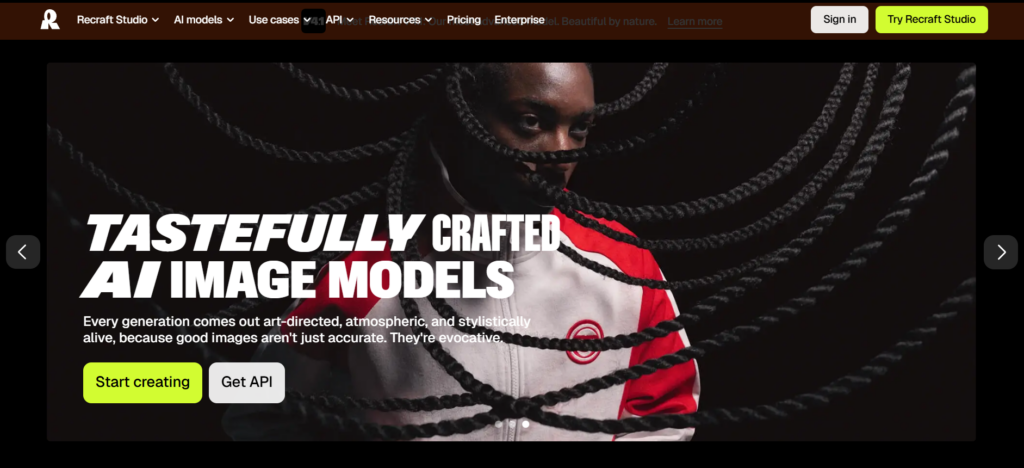
Recraft is a generative AI platform built around creating designs specifically for graphic elements, vector art, and branding assets. It provides its users with a mix of specialized generators and editing tools to make the visual building process easier. It can be your choice if brand consistency matters more to you than artistic components.
Key Functions
1. Style System: lets you upload your brand’s main features, mood board, and other references into the platform. Via this information, the system learns about your product, giving you matching results without additional questions.
2. Text Placement: One of its strengths is the correct placement of text, matching its size to the position and image style you are creating.
3. Recraft V4 Engine: Generates both regular raster images and vector graphics. These features are good for logos and icons that need to be resized without losing quality.
4. Figma and Framer Integration: You can implement this program into your preferred apps by creating vectors, editing texts inside the main workspace without leaving your main application.
#3. Leonardo
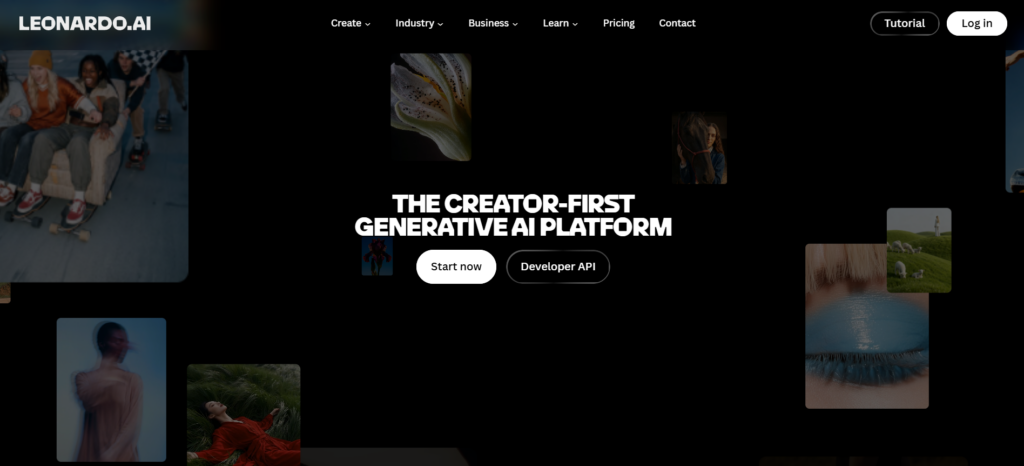
Leonardo is a creator-first AI generative platform that has grown into a full visual production format. It is mainly suitable for creators who are ready to train and work with the platform rather than get ready-made prompts.
Key Functions
1. Character Generation: It creates different mascots and characters, keeping their appearance stable across many scenes and projects.
2. AI Image Generator: Users can generate images based on text prompts or image references, choosing their preferred tool, e.g Leonardo Phoenix, Concept Art, etc.
3. Omni Editing and Alchemy: This tool is mainly designed for revising and adjusting your drafts to get better results. You can adjust lighting, fix small details, and upscale in case of low resolution.
4. Motion V3: This model turns a static image or text idea into 10-second HD videos with built-in camera movement like zoom, pan, and tilt. You don’t need any additional real-life video reference to get a final result.
Final Thoughts
AI is not about replacing human thought, and it can never replace a designer’s eye or creativity. It is your help to shorten the distance between having an idea and actually bringing it to real life.
For some teams and individuals, it can serve as a time saver, which is a real advantage in a fast-paced creative environment. However, to get a real quality result, the right pick of the right platform, such as Krea, matters more than you might think.