
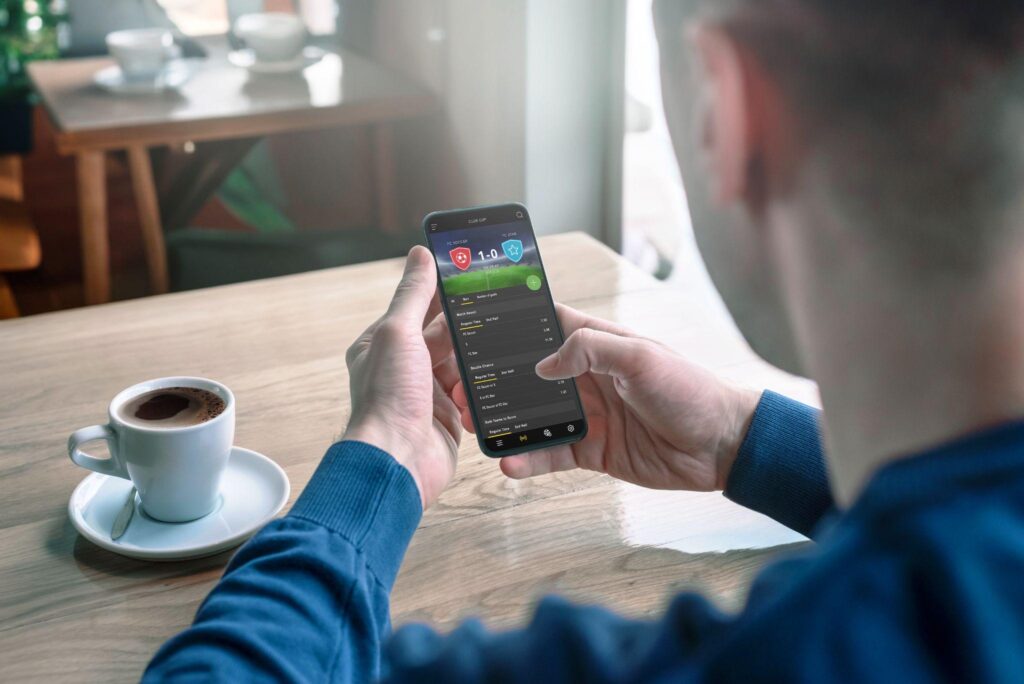
In markets where app stores aren’t the primary distribution channel, APK files circulate through forums, Telegram groups, and direct download links long before, or instead of, showing up on Google Play. This is especially true for gaming and betting apps in Myanmar, where sideloading an APK is often the only practical way to get a specific platform running on your phone. That convenience comes with a real security trade-off: an APK skips the review process that app stores use to catch malware, so the responsibility for verifying safety shifts entirely to the person installing it. Here’s a practical checklist for doing that verification before you tap install.
Understand what you’re actually bypassing
When you install an app through the Play Store, several layers of automated and human review happen before the file ever reaches your phone: code scanning for known malware signatures, permission audits, and developer identity verification. Sideloading an APK skips all of it. The file could be a legitimate build of the app you want, a modified version with tracking code injected into it, or something entirely different wearing the same icon and name. None of this means sideloading is inherently dangerous, since it’s a completely normal distribution method in many regions, but it does mean the burden of due diligence falls on you rather than a platform.
Check the source before the file
The single biggest factor in APK safety isn’t the file itself, it’s where it came from. Many operators publish their own installation instructions on their official domain: the OneX2 install guide is one example, and that page is the reference to check any download link against before you tap anything.
Before downloading anything, look for these signals on the source:
- Does the domain match the operator’s official branding, and does it use HTTPS with a valid certificate?
- Is the same download link referenced consistently across the operator’s official social media channels?
- Does the site list a licensing body or regulatory registration you can independently verify?
- Are there recent, specific user reports (not just generic five-star comments) confirming the app works as described?
If a download link showed up unsolicited, through a forwarded message or an ad promising unusually generous bonuses, treat it as unverified until you’ve confirmed it against the operator’s own official channels.
Verify the file itself once downloaded
Once you have the APK on your device, a few checks take under a minute and catch a meaningful share of tampered files.
Check the file size against the official listing. Operators that also publish on Google Play or list the APK size on their own site give you a baseline. An APK that’s dramatically smaller or larger than expected may have had code stripped out or added.
Compare the package name, not just the app icon. Every Android app has a unique package identifier (something like com.operatorname.app) baked into its manifest. Icons and app names are trivial to copy; the package name is a more reliable fingerprint, and you can check it using a free APK inspector tool before installing, or after installing by looking at the app’s details in your phone’s settings.
Run it through a malware scanner before installing. Services like VirusTotal let you upload an APK file and scan it against dozens of antivirus engines simultaneously, without needing to install anything on your own device first. This is one of the most useful five-minute habits for anyone who regularly sideloads apps, and it catches a wide range of known malicious signatures.
Check the developer signature if you’re comfortable with it. APK files are cryptographically signed by their developer. A legitimate update to an app you already trust should carry the same signing certificate as the original install; a signature mismatch on what claims to be an “update” is a strong warning sign.
Read the permission requests critically
Android shows you a list of permissions an app requests either at install time or the first time it needs each one. This is one of the clearest, most accessible safety signals available to a non-technical user, and it’s worth actually reading rather than tapping through.
A betting or gaming app has a legitimate reason to request certain permissions: network access to communicate with servers, storage access to cache game assets, and possibly notification permissions for match alerts or promotional messages. What it does not have an obvious legitimate reason to request is access to your SMS messages, your contact list, your call log, or accessibility services. Accessibility permission in particular is worth treating with real suspicion outside of apps that genuinely need it (like screen readers), because it can be abused to read on-screen content, including banking apps and one-time passwords, from other apps running on your device.
If an app’s permission requests don’t map cleanly onto what the app actually needs to function, that mismatch is itself the finding. You don’t need to understand the technical mechanism to recognize that a slots app has no legitimate reason to ask for SMS access.
Watch how it behaves after install
Safety checking doesn’t end once the app is installed and running.
- Unexpected battery or data drain shortly after installing a new app can indicate background processes doing more than the app’s stated function.
- Excessive or unrelated notification requests, particularly ones pushing you toward other app installs or unrelated ads, are a sign of bundled adware.
- Login or payment screens that look slightly different from the operator’s website, in font, layout, or URL, may indicate a phishing overlay rather than the genuine app interface.
- Unprompted requests to disable Google Play Protect are a serious red flag; Play Protect scans sideloaded apps for known threats even when they’re installed outside the Play Store, and a legitimate app has no reason to ask you to turn that off.
Keep the operator itself separate from the file
It’s worth separating two different questions that often get collapsed into one: is this specific APK file safe to install, and is the operator behind it legitimate and licensed. A well-run, licensed platform can still have its APK compromised if it’s downloaded from an unofficial mirror, and conversely, a clean file doesn’t retroactively make an unlicensed or unregulated operator trustworthy. Checking licensing status, reading independent reviews of the operator’s payment and withdrawal track record, and confirming the file’s integrity are three separate steps, and skipping any one of them leaves a gap.
The five-minute version
If you only have time for the shortened version of this checklist: download only from a source you’ve verified against the operator’s official channels, confirm the package name matches what you expect, run the file through a free scanner like VirusTotal before installing, read the permission list and question anything that doesn’t obviously relate to the app’s function, and keep Play Protect enabled rather than disabling it on request. None of these steps require technical expertise, and together they close off the majority of ways a malicious APK actually reaches someone’s phone.