
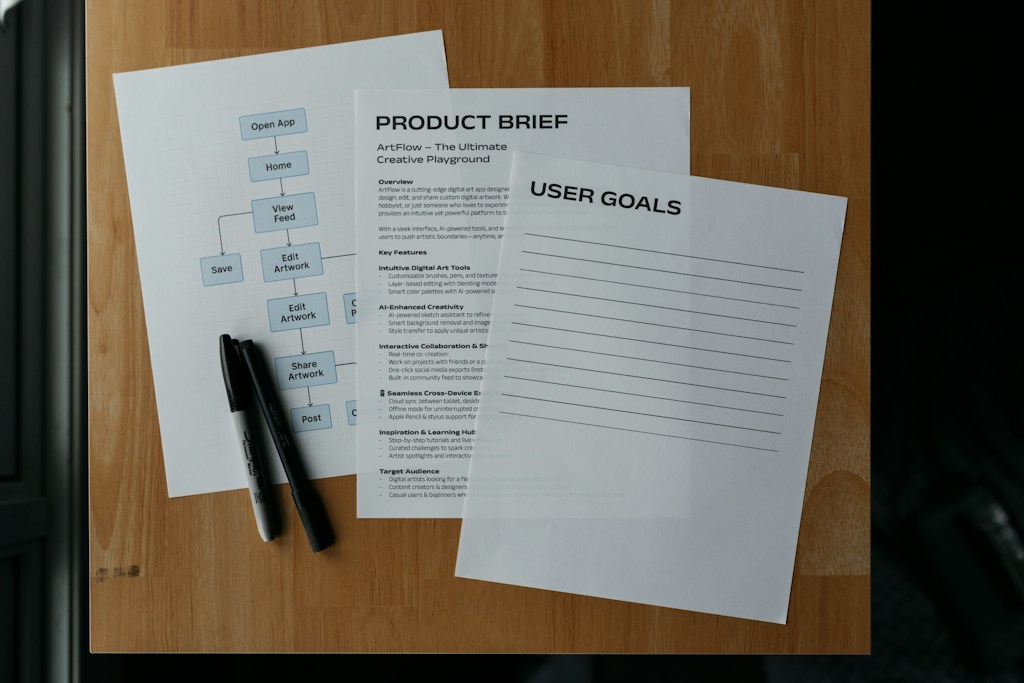
Send a two-line request to five web agencies and you will get five quotes that differ several times over, each built on different assumptions about pages, integrations and support. None of them is necessarily wrong, because each priced a different project.
A written brief fixes that. The sections below list what a realistic Next.js brief contains, in the order a vendor needs it, and end with a one-page template you can copy.
Why vague briefs produce quotes you cannot compare
When the brief is vague, each vendor fills the gaps with its own guesses. One assumes 20 templates, another 8; one includes a CRM integration, another leaves it for later. The quotes then measure how each vendor guessed, and the cheapest proposal is often the one that assumed the least work.
A good brief also protects the project after signing. Scope disputes usually start with a sentence nobody wrote down, such as whether the blog migration or form handling was ever included.
Content and pages: what the site must publish
List the page types first (home, product, article, landing page, location, author), then note roughly how many of each exist today, who edits them and how often. Add the content that must move from the current site, because migrating 5,000 articles is a different job from rewriting 40 pages.
Say which CMS you want, or ask for a recommendation. A headless CMS such as Sanity or Contentful changes how editors work day to day, so the people who will use it should see a demo before the decision is final.
Integrations and data: everything the site talks to
Integrations are where estimates break. List every system the website sends data to or reads from: CRM and marketing automation, analytics and tag manager, consent management, site search, product databases or APIs, and single sign-on. For each, say whether an API exists, who owns the account and whether it is already in use.
A form that posts to a CRM takes hours; a customer area that reads account data from a legacy system can take weeks. Mark which integrations must work on day one and which can follow in a later phase.
Rendering, performance and SEO requirements
State which content changes often and which rarely does, so the vendor can decide what to prerender and what to render on request. Add performance targets in measurable terms, such as Google’s good thresholds for Core Web Vitals: LCP at or below 2.5 seconds, INP at or below 200 milliseconds and CLS at or below 0.1.
For SEO, ask for a redirect map covering every old URL, generated metadata and sitemaps, and a plan for watching Search Console after launch. Pagepro’s Kiwi Storage build shows what measured targets look like. In a same-day GTmetrix desktop comparison on 17 May 2022, the parent brand’s legacy WordPress site scored grade D and the new build grade A, with Performance up from 54% to 97% and LCP down from 2.9s to 456ms.
Timeline, launch and support
Give the launch date and the reason behind it, then split the scope into what must be live on that date and what can follow. Name who approves designs and content on your side, and describe the support you expect after launch: response times, an update routine and a monthly allowance for changes.
A tight, clearly phased scope is what makes a short timeline realistic. Pagepro, a Next.js and Sanity migration specialist that offers next js development services, built Kiwi Storage, a new self-storage brand for an established London removals company (Kiwi Movers, trading since 2007), as a Next.js + Sanity site from scratch in 3 months, with GTmetrix grade A at launch.
A one-page brief template
Keep the brief to one or two pages so vendors read all of it. Use the same headings for every project and send the identical version to each vendor on your shortlist, so the proposals can sit side by side, line by line, without translating between different assumptions.
- Business goal and the metric that shows success
- Page types, content volume and what migrates
- CMS preference and who edits content
- Integrations, marked day one or later phase
- Rendering needs, Core Web Vitals targets and SEO requirements
- Launch date, phases and support expectations
- Decision makers and the budget range
Draft the brief before the first vendor call, ask one colleague from marketing and one from engineering to check it, and send it out with a date by which every proposal is due.